
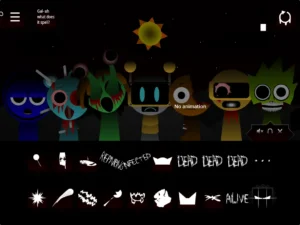
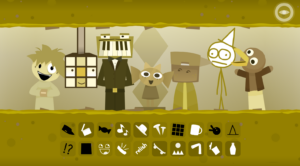



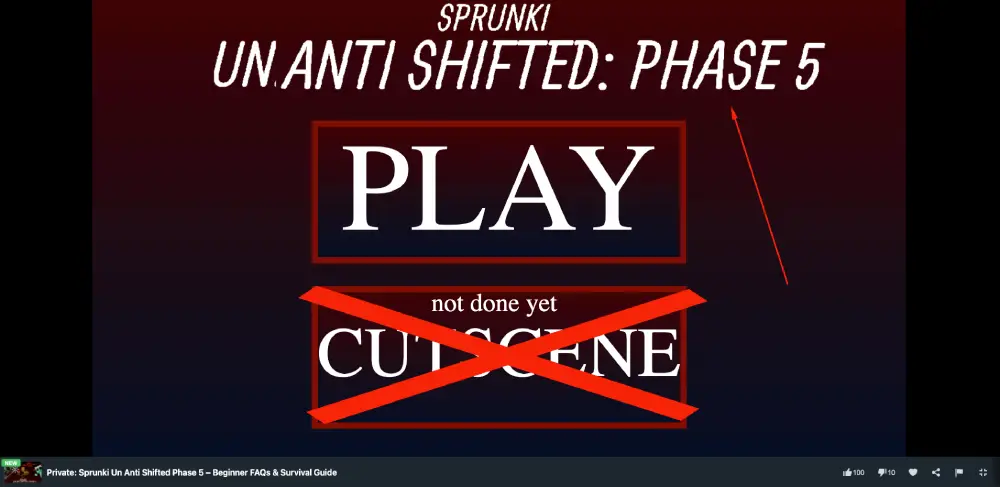
Hey everyone! Welcome to the wildest, glitchiest corner of the rhythm game community. If you’ve just loaded up Sprunki Un Anti Shifted: Phase 5, one of the most terrifying music games out there right now, and are wondering why your screen is flashing red and the characters look like absolute nightmares, you are in the right place. Let’s break down exactly what this game is and how to play it.
Frequently Asked Questions
What exactly is the “Un Anti Shift” lore?
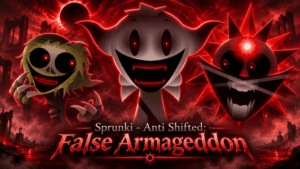
To put it simply, things went terribly wrong. The “Un Anti” code was originally supposed to act as an antivirus to cure the corrupted characters. However, it completely failed, colliding with the existing “Shifted” virus. Now, the characters are trapped in a terrifying paradox, constantly tearing between their normal forms and glitchy, eldritch monsters. It’s a total system failure, and you are right in the middle of it.
How do I actually play the game?
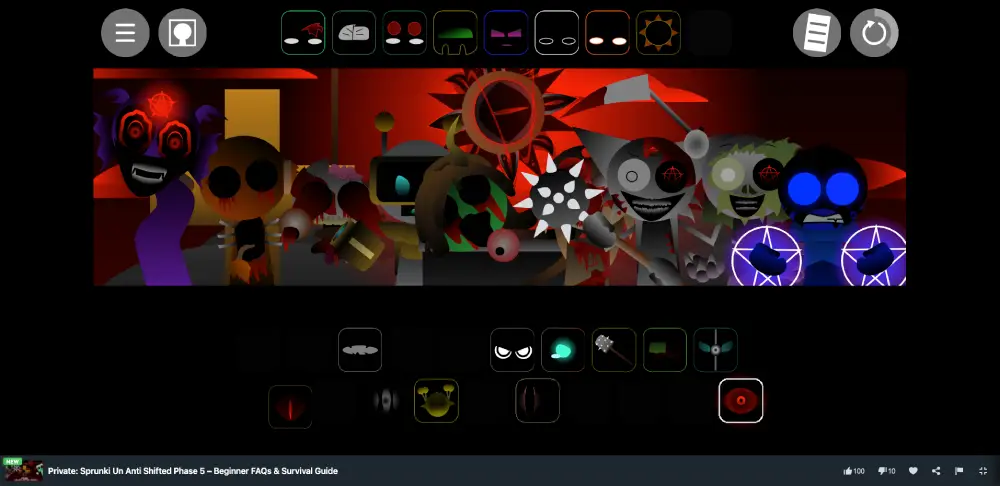
Don’t worry, the basic controls are super easy! Just like the classic Incredibox, you simply click and drag an icon from the bottom row (beats, effects, melodies, and vocals) onto one of the shadowy figures on the stage. If you want to mute a character, just click on them. If you want to remove them completely, drag them off the stage. The goal is to layer these tracks to build a beat.
Why is the screen turning red and glitching?
That is the Horror Mode kicking in! In Phase 5, specific items (like the corrupted sun or special hats) act as triggers. When you apply one of these items to a Sprunki character, the game actively shifts. The tempo drops, the screen flashes aggressive crimson, and the characters reveal their true, terrifying forms. Just a heads up—idling too long might also trigger unexpected jumpscares!
Are there any tricks for beginners to make good music here?
- Start Slow: Don’t just throw everything on the screen at once! Begin with the Beat characters to establish a solid rhythm before you introduce the chaotic melodies.
- Find Your Anchor: Look for a character (usually a vocalist) that provides a steady, non-distorted sound. Build your mix around them so it sounds like music, not just noise.
- Headphones are Mandatory: To truly appreciate the cavernous reverb, heavy sub-bass, and creepy background whispers, you absolutely need to wear headphones.
Who is the scariest character in Phase 5?
That is definitely up for debate in the community, but Mr. Sun takes the crown for many. He is no longer a happy sun; he is a literal black hole rimmed with a blood-red corona. Activating him usually changes the entire vibe of your track. Simon, the usual face of the game, is also terrifying here, dropping demonic growls mixed with pleas for help.
Can I play this unblocked at school or work?
Yes! Because this is a lightweight, browser-based game, it is widely available on unblocked gaming sites. You can dive into this digital nightmare directly from your web browser without needing to download any heavy files.
Hopefully, this quick guide helps you survive the intense, bit-crushed chaos of Phase 5. Turn down the lights, throw on those headphones, and start experimenting with the glitches. Good luck out there, and try not to let the jumpscares get to you too badly!
Sprunki Un Anti Shifted Phase 5 – Beginner FAQs & Survival Guide
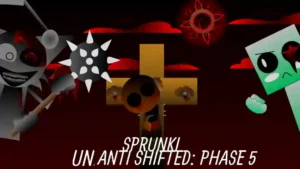
Got questions about Sprunki Un Anti Shifted Phase 5? We break down the lore, the horror mechanics, and how to survive this terrifying music mod.
Price Currency: $
Operating System: Windows, macOS, Chrome OS
Application Category: Game, GameApplication
9.5

Leave a Reply