
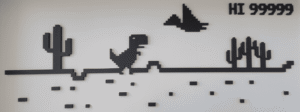






Welcome to the community guide for the Chrome Dinosaur Game! Whether your WiFi just dropped or you are simply looking to kill some time with the famous offline T-Rex runner, you are in the right place. Let’s answer your top questions so you can start setting massive high scores.
The Dinosaur Game is an endless runner browser game developed by Google and built into the Google Chrome web browser. In the game, the player guides a pixelated Tyrannosaurus rex across a side-scrolling desert landscape. The game was created by Sebastien Gabriel, Alan Bettes, and Edward Jung in 2014. (Wikipedia Reference)
How the Dinosaur Game Began
The Chrome Dino Game, also known as the T-Rex Runner, was created by Google Chrome’s UX design team in 2014. It was the idea of Alan Bettes, Edward Jung, and Sebastian Gabriel, three Google developers who wanted to give users something fun to do when their Internet connection stopped working.
The character was not chosen randomly. The dinosaur represented going “back to prehistoric times,” when, as you might guess, the Internet didn’t exist yet. The game was originally called “Project Bolan,” a playful reference to Marc Bolan, the lead singer of the band T. Rex.
Since it was released, the Dinosaur Game has grown from a small offline Easter egg into a worldwide hit, enjoyed by people from many different cultures and countries.
Frequently Asked Questions
What is the main goal of the game?
The Chrome Dino is a pure endless runner. Your only objective is to survive as long as possible by dodging desert cacti and low-flying pterodactyls. The game progressively speeds up the longer you survive, testing your reflexes to the absolute limit. There are no checkpoints or finish lines—it just keeps going until you inevitably crash.
How do I control the T-Rex?
The controls are incredibly simple and responsive:
- PC/Mac: Press the Spacebar or Up Arrow to jump. Press the Down Arrow to duck under the flying pterodactyls.
- Mobile/Tablet: Just tap anywhere on your screen to make the dinosaur jump.
Why do I keep dying when the screen turns black? Are there tricks for beginners?
That is the dreaded Night Mode, and the sudden color inversion throws off everyone’s timing! Here are a few community tips to keep your run alive:
- Focus on the horizon: Do not stare at your T-Rex. Keep your eyes locked on the far right edge of the screen to spot incoming hazards earlier.
- Master the short hop: Tapping the spacebar lightly gives you a short hop, while holding it makes you jump higher. Use short hops for tight cactus clusters so you don’t accidentally float into the next obstacle.
- Drop faster: If you jump too high, you can press the Down Arrow mid-air to fast-fall back to the ground quickly.
Can I actually beat or finish the Dinosaur Game?
Technically, no! The developers designed this as an infinite loop. The on-screen score counter will max out at 99,999 and roll over to a six-digit number, but the game has no scripted ending. The creators jokingly stated it would take about 17 million years of nonstop play to actually finish it—a funny nod to how long the T-Rex roamed the earth.
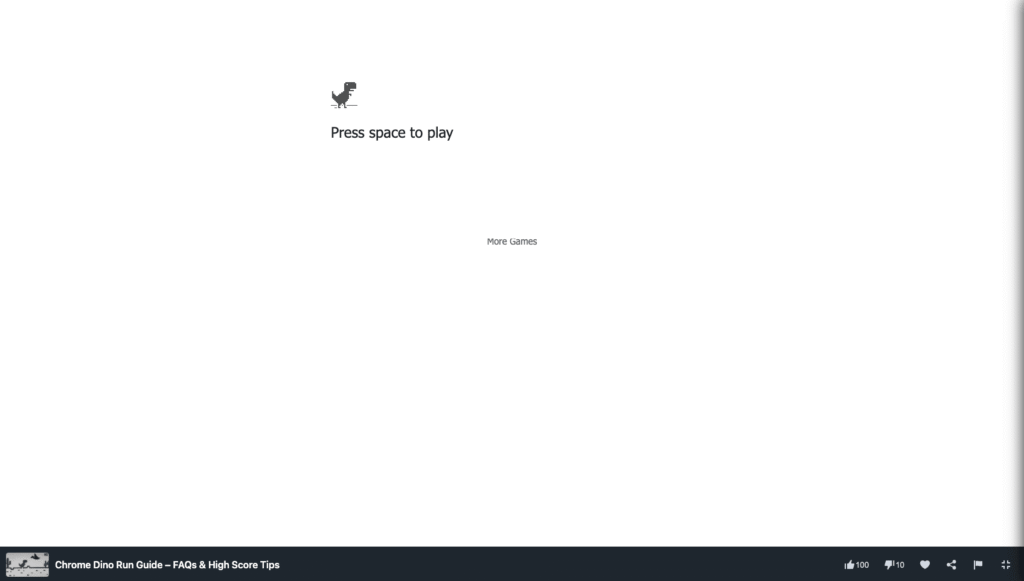
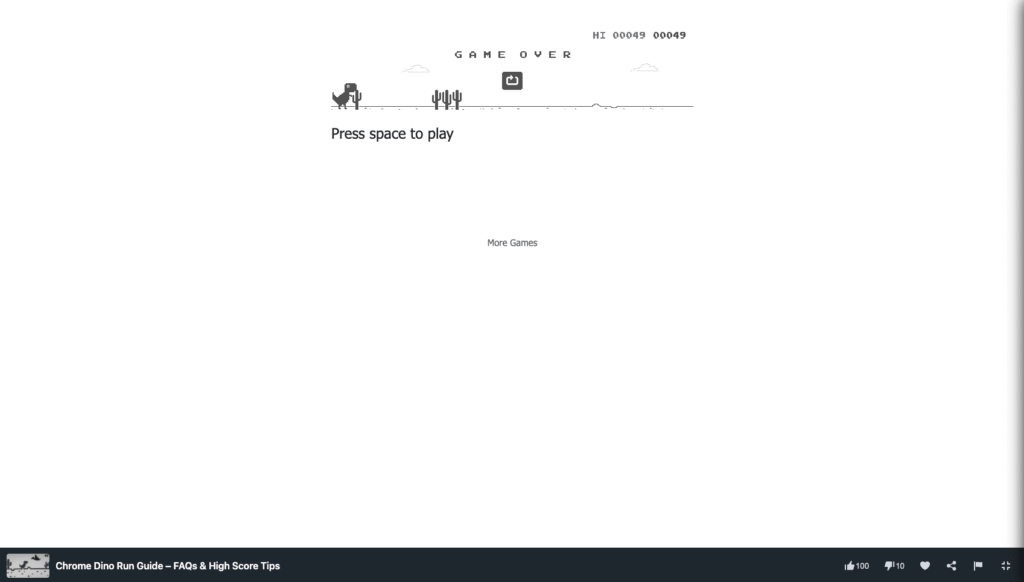
Screenshot playing Chrome Dino Run on MiniWebGames.com
Can I play this unblocked at school without turning off my WiFi?
Absolutely. You do not have to unplug your router or wait for an internet outage to play. You can play the exact same T-Rex runner online right from your browser, completely unblocked, at any time.
Don’t get frustrated if you hit a cactus right out of the gate. Building up your visual reaction time takes a little practice. Good luck out there, and have fun chasing those high scores on the leaderboard!










Leave a Reply