
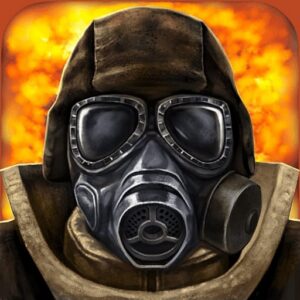

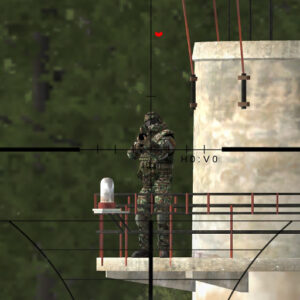
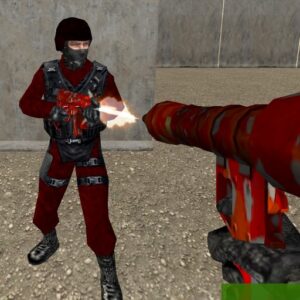
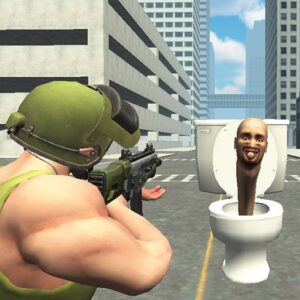
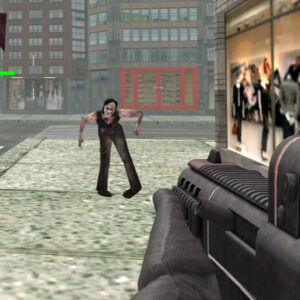



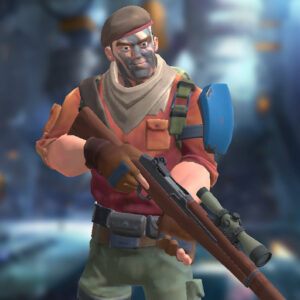
Masked Forces combines first-person shooting with a layer of customization that lets players shape their soldier before entering battle. Weapons can be purchased from the in-game store, while equipment and cosmetic options provide additional ways to personalize your character. Once the match begins, positioning, weapon choice, and accurate shooting become essential as you compete through different multiplayer modes.
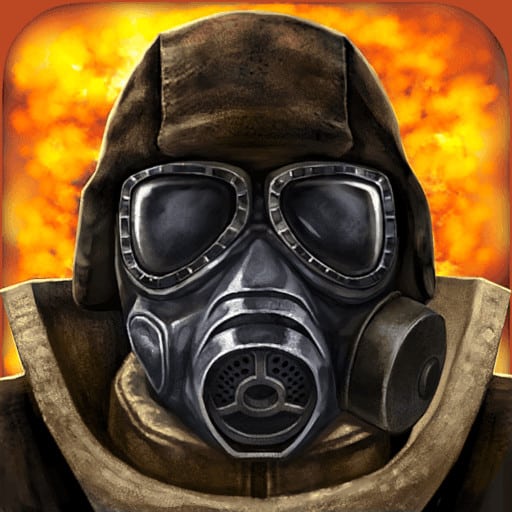
About the Game
- Genre: First-person shooter
- Objective: Defeat opposing players and complete the goals of the selected game mode.
- Gameplay: Purchase weapons, customize your soldier, select a multiplayer mode, and fight using movement, cover, and tactical positioning.
The customization system gives Masked Forces more personality than a basic browser shooter. Players can adjust their helmet and armor, as well as customize messages and emotes. Weapon purchases also let you build a loadout that better matches the way you prefer to approach combat.
Controls
- WASD: Move
- Left Mouse Button: Fire
- Mouse Scroll: Change weapons
- R: Reload
- Space: Jump
- C: Crouch
- T: Chat
- P: Pause
Gameplay Details
Combat in Masked Forces revolves around eliminating enemies while making smart use of your surroundings. Players can select from different modes depending on the type of match they want, including objective-focused battles and traditional deathmatch-style action. The choice of mode changes the priorities during a match, so adapting your approach is important.
Weapons and Customization
The store is an important part of progression because it provides access to weapons for your soldier. Alongside your arsenal, you can customize the character’s helmet, armor, messages, and emotes. This combination of equipment and personalization allows players to create a setup that reflects both their preferred combat style and visual preferences.
Choosing a Game Mode
Not every match needs to be approached in the same way. Objective-based modes reward players who pay attention to the purpose of the battle, while deathmatch puts the emphasis more directly on eliminating opponents. Selecting a mode that matches your preferred style can make the experience more enjoyable.
Tips and Strategies for Masked Forces
- Spend carefully: Choose weapons from the store that complement the way you normally approach fights instead of buying equipment without a clear purpose.
- Use cover: Staying exposed makes it easier for opponents to track you. Move between protected positions whenever possible.
- Crouch when aiming: The C key lets you crouch, which can help when taking a more controlled position during combat.
- Match your strategy to the mode: Objective-based battles require attention to the match goal, while deathmatch rewards direct combat and eliminations.
- Keep your weapon ready: Learn to use the mouse wheel for quick weapon changes so you can react without interrupting your movement.
Why Players Enjoy Masked Forces
One notable aspect of Masked Forces is the combination of shooting mechanics and character customization. The ability to purchase weapons while changing equipment and cosmetic details gives players more control over how their soldier looks and fights.
The range of multiplayer modes also adds variety to the experience. Players can switch between objective-driven combat and more direct elimination-focused matches rather than being locked into one format. Strong visuals and the customization options further support the game’s competitive browser-FPS identity.
Game Information
- Developer: Not specified in the provided game information
- Platforms: Browser
- Languages: Not specified in the provided game information
- Genre: Multiplayer first-person shooter
Conclusion
Masked Forces brings together competitive FPS combat, weapon purchases, and detailed soldier customization in one browser-based experience. Its selection of modes gives matches different objectives, while cover, crouching, and weapon choice add tactical depth. Masked Forces is a solid choice for players who enjoy customizable multiplayer shooting.








Leave a Reply